 WingGlide
2026
Skyreach
Guide
Flying a plane with your bare hands in VR
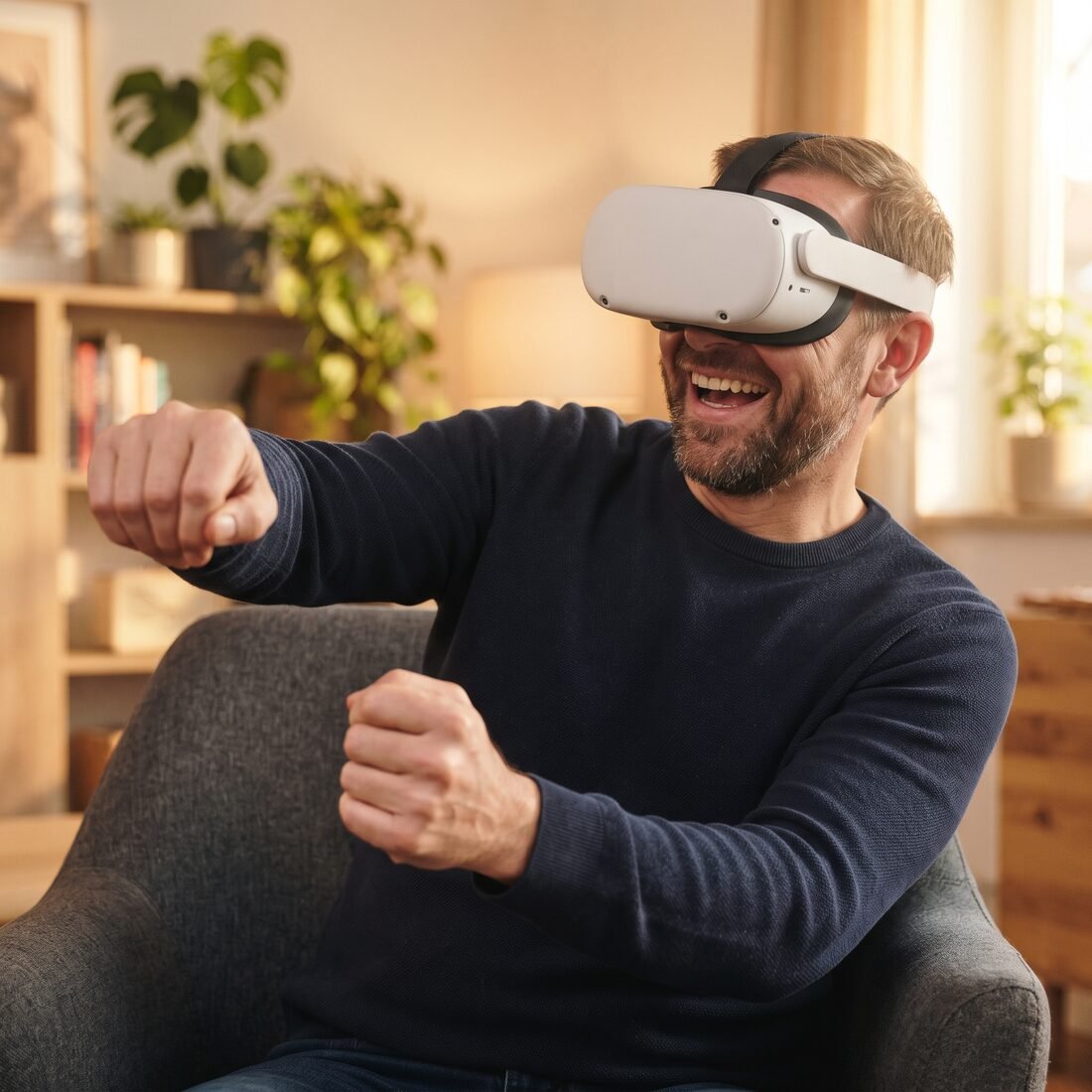
Modern headsets can see your hands. Put the controllers down and the cameras track every finger, so in a game built for it you can reach out and take hold of a control stick. For flying, that's a lovely feeling: the plane answers to your own hand.
What hand tracking is great at
Pressing switches, pulling levers and holding a stick or throttle all feel natural with bare hands. There's nothing to remember: you reach, you close your hand, you push. In WingGlide every switch, lever, the yoke, the stick and the throttle work with your hands, and you can pick up the clipboard and the map too.
What it finds harder
The headset has to see your hands, so tracking can slip when a hand drops out of view, sits in shadow, or is hidden behind the other. Very fast movements can blur. And there's no button to feel, so it helps when a game shows clearly what you're holding.
Tips for better tracking
- Good, even light. A bright room without strong sunlight behind you works best.
- Keep your hands in front of you. Rest your forearms on your thighs or chair arms so your hands stay where the cameras can see them.
- Move deliberately. Smooth, steady movements track better than quick flicks, and fly better too.
- Take off rings and watches if tracking seems jumpy.
How WingGlide handles it
Your hands appear as stitched leather pilot's gloves that close around whatever you hold and stop at the cockpit's surfaces instead of passing through them. Hand flying is softened around the centre so small wobbles don't rock the plane. And you can swap to the Touch controllers whenever you like; your gloves hold those too.
Blue skies, from the WingGlide hangar
P.S. The game's controls tutorial has a hands version: it waits for you to press a switch, take the stick and work the throttle before moving on.